Your goals. Your gym. Your way.
Build a plan around your goals, adapt it to your gym and keep moving when life changes the session. The Caddy helps carry the details, so you can focus on the work.
Earned to enter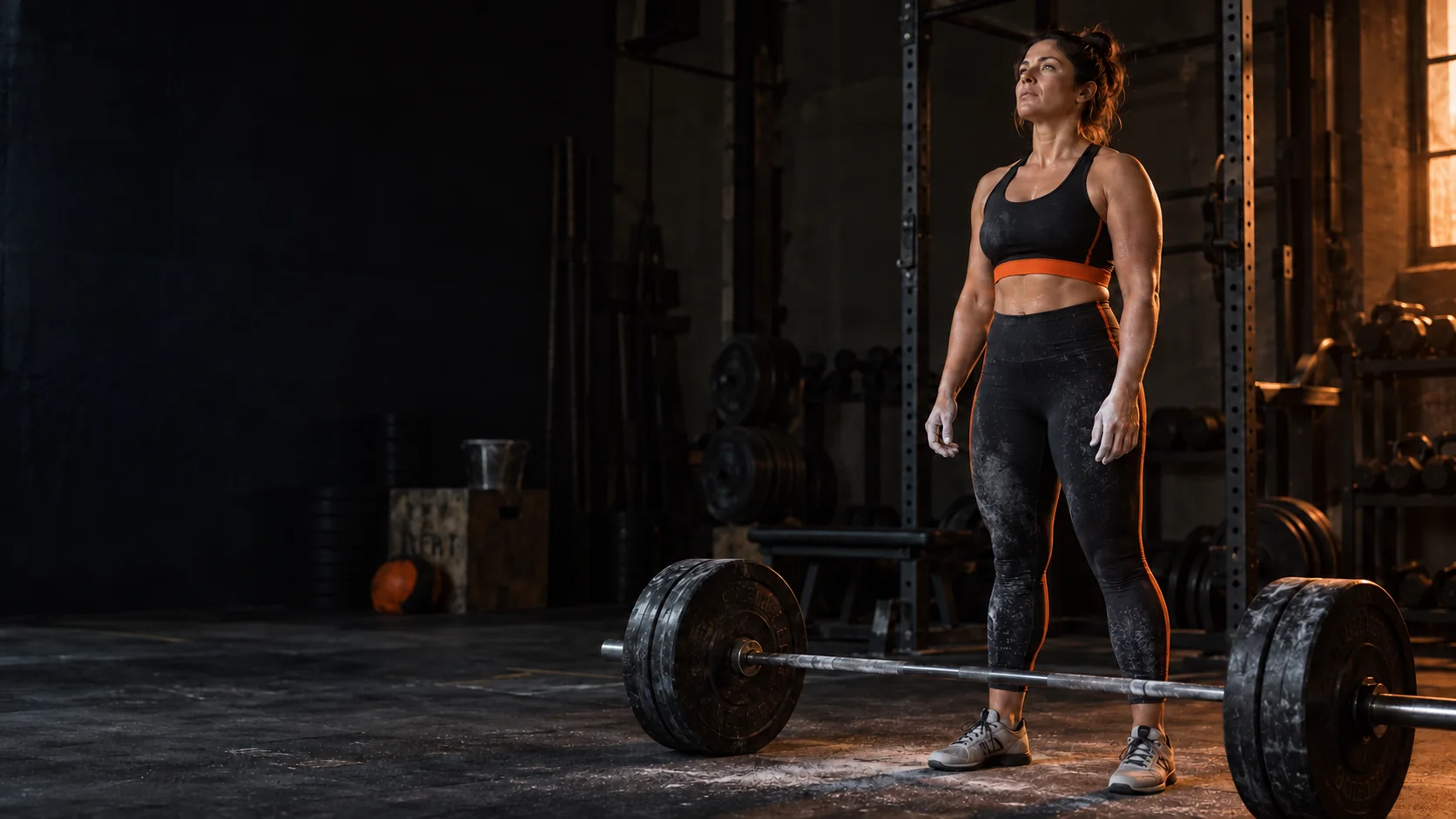
THE REST IS READY.
Make the hour yours.
Bring your training into one place. See the session in front of you, record your work and keep track of the lifts that matter to you.
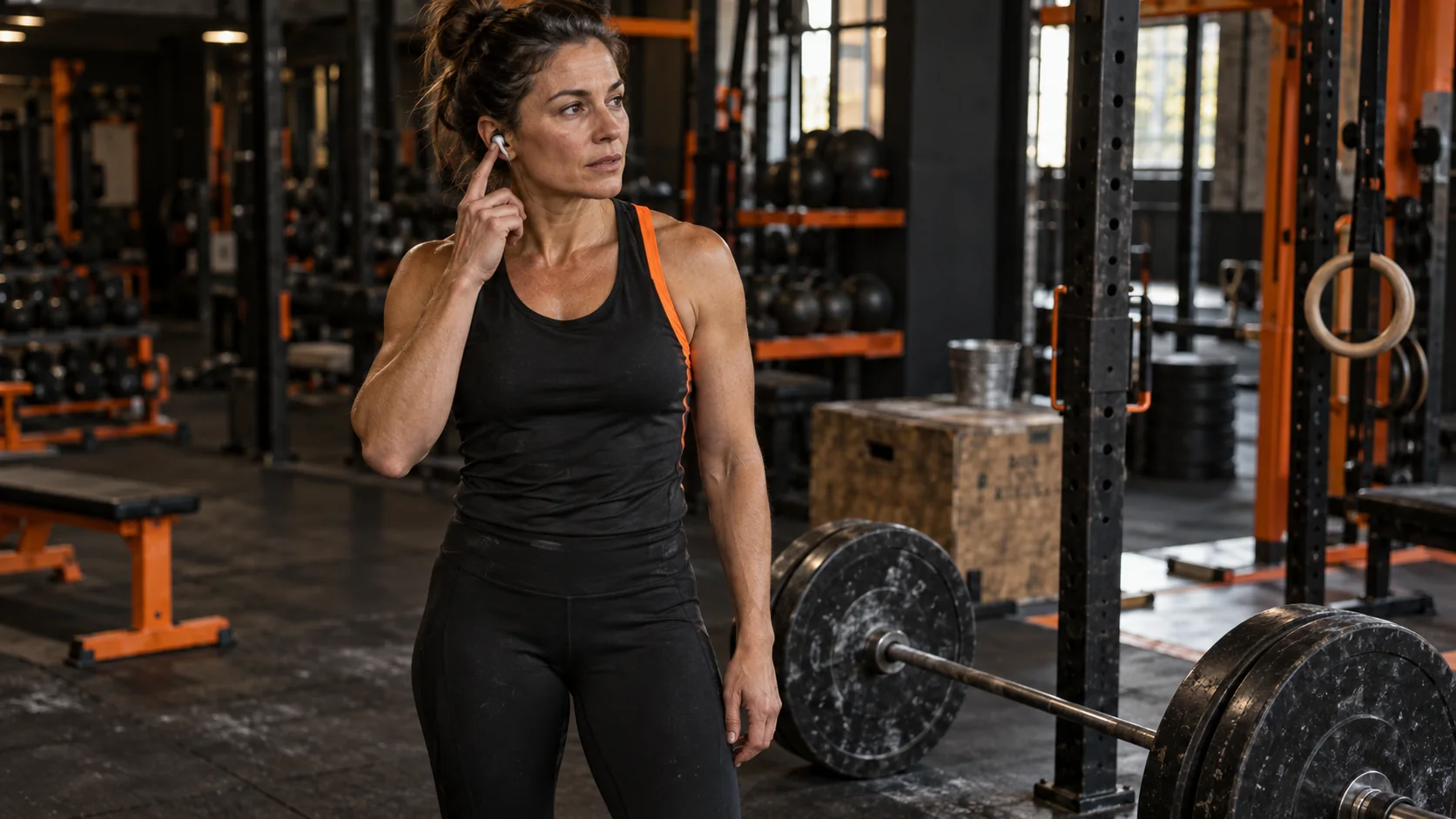
The phone doesn’t need to be the centre of your workout. Your music can stay on, your earbuds can stay in, and your attention can stay with the work.
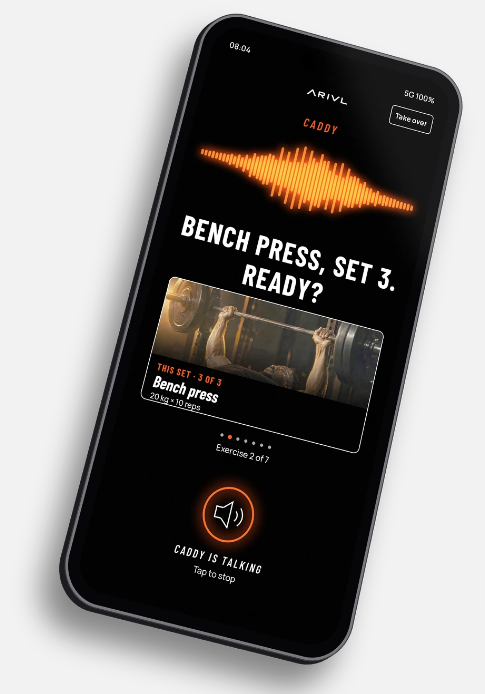
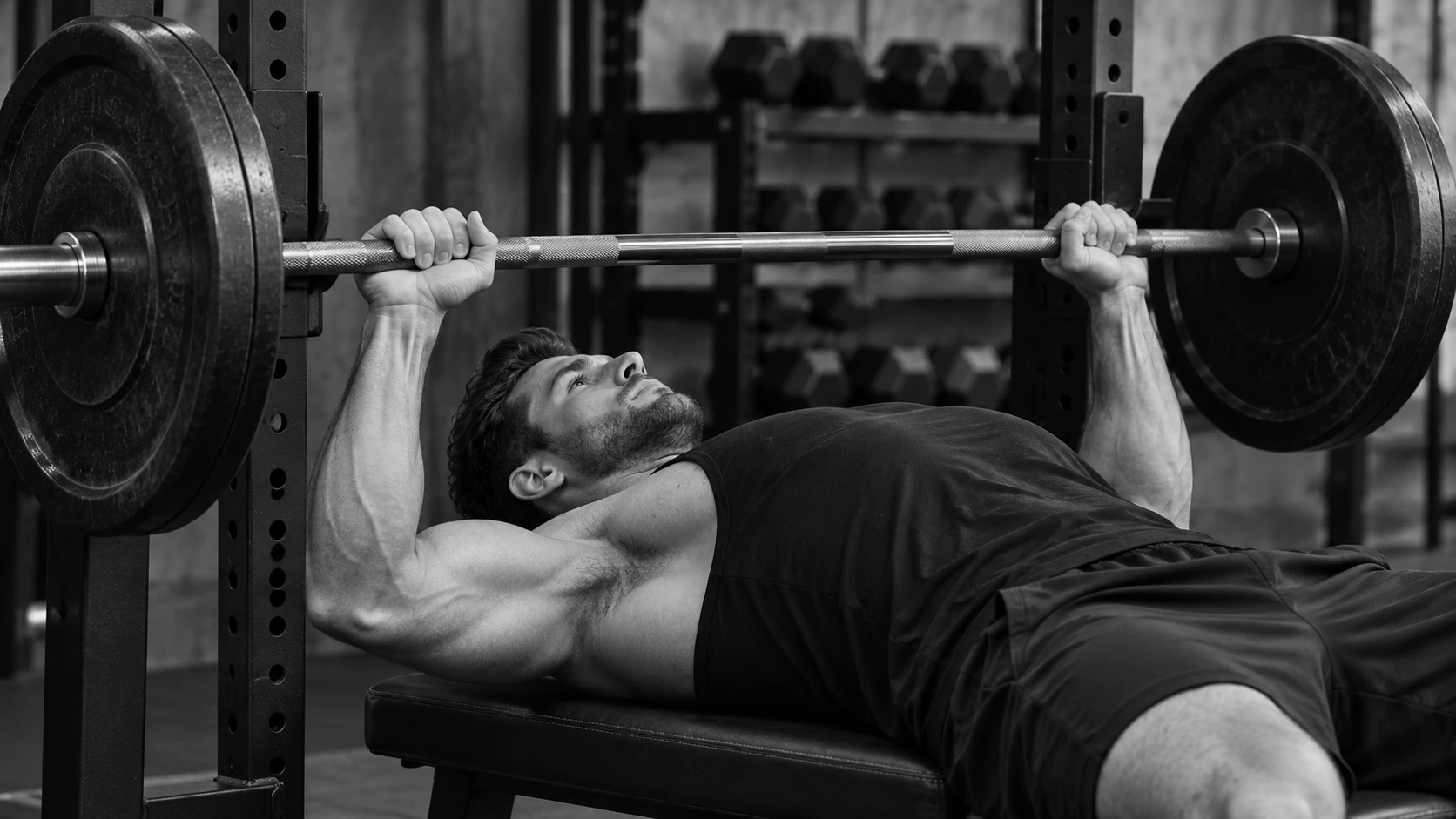
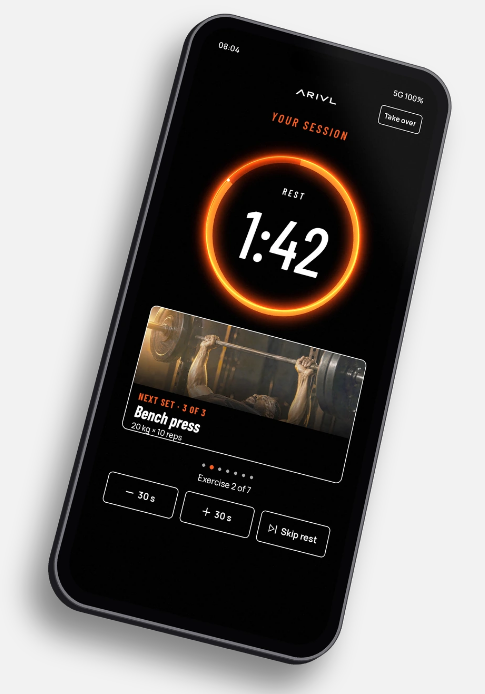
Session screens.
There when you need it. Quiet when you don’t.
Like a golf caddy, the Caddy carries the bag and keeps track. You still play the shot. Say what you did and it writes it down.
It uses the weights you’ve told it or your own history, and asks before changing the next session’s weights. It supports your training; it doesn’t replace a PT or physio.
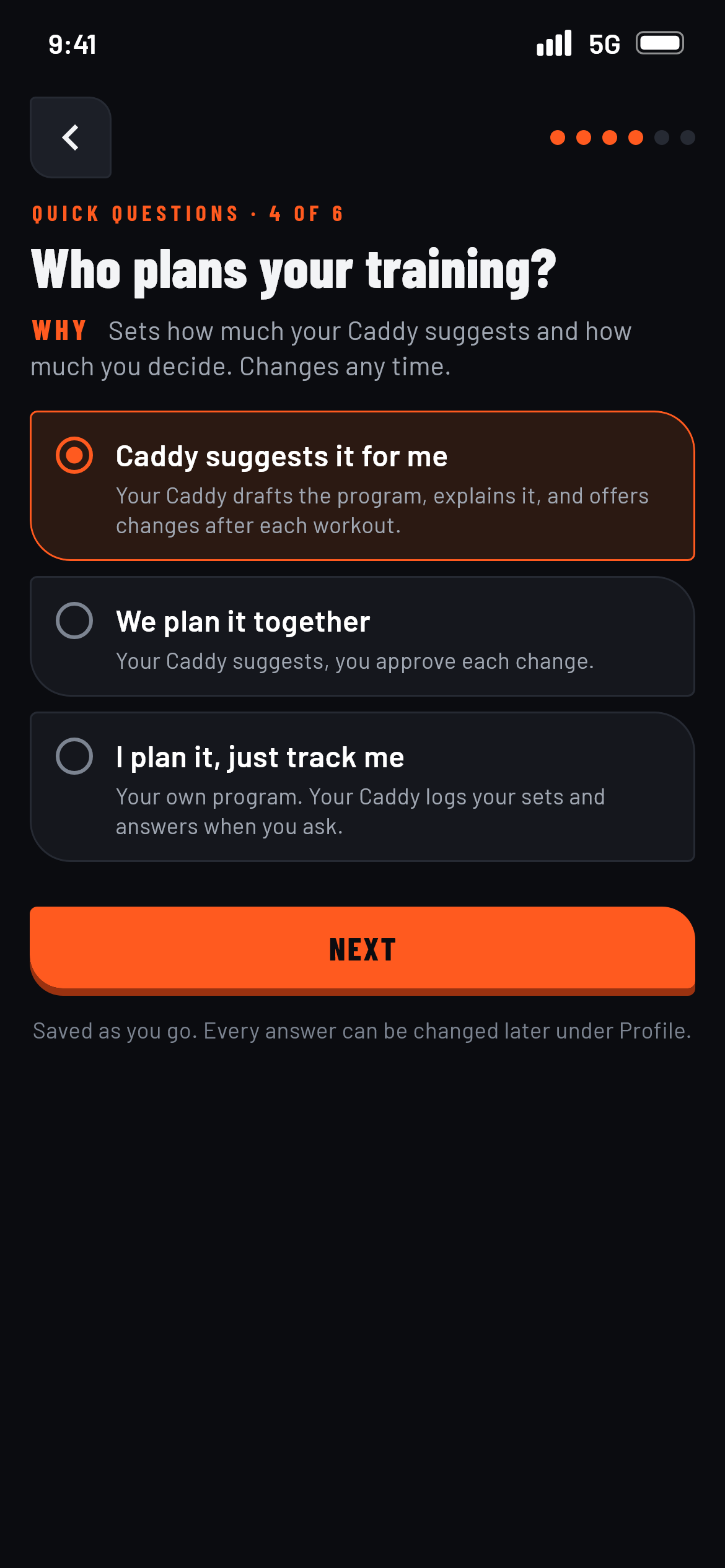
Plan it your way.
Choose how much the Caddy suggests and how much you decide. Plan together, let the Caddy suggest a programme, or make your own plan and use ARIVL to keep track.
Your training is yours to shape. You can change your choice later.
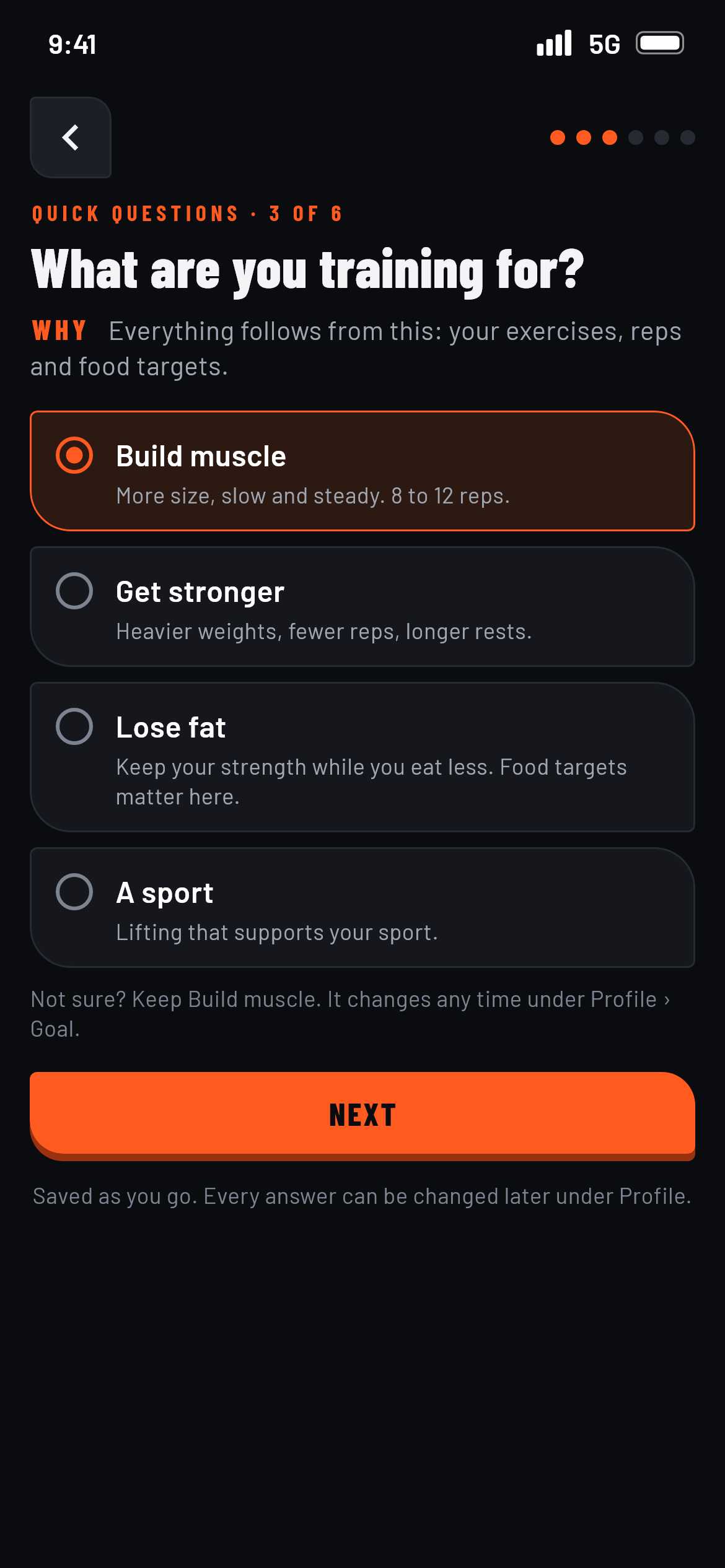
Your gym. Your rules.
The best plan is one that fits where you actually train. Make your gym and its available equipment part of your training setup, so your programme makes sense for your space.
Commercial gym, a smaller setup or something in between: shape the experience around what you have.
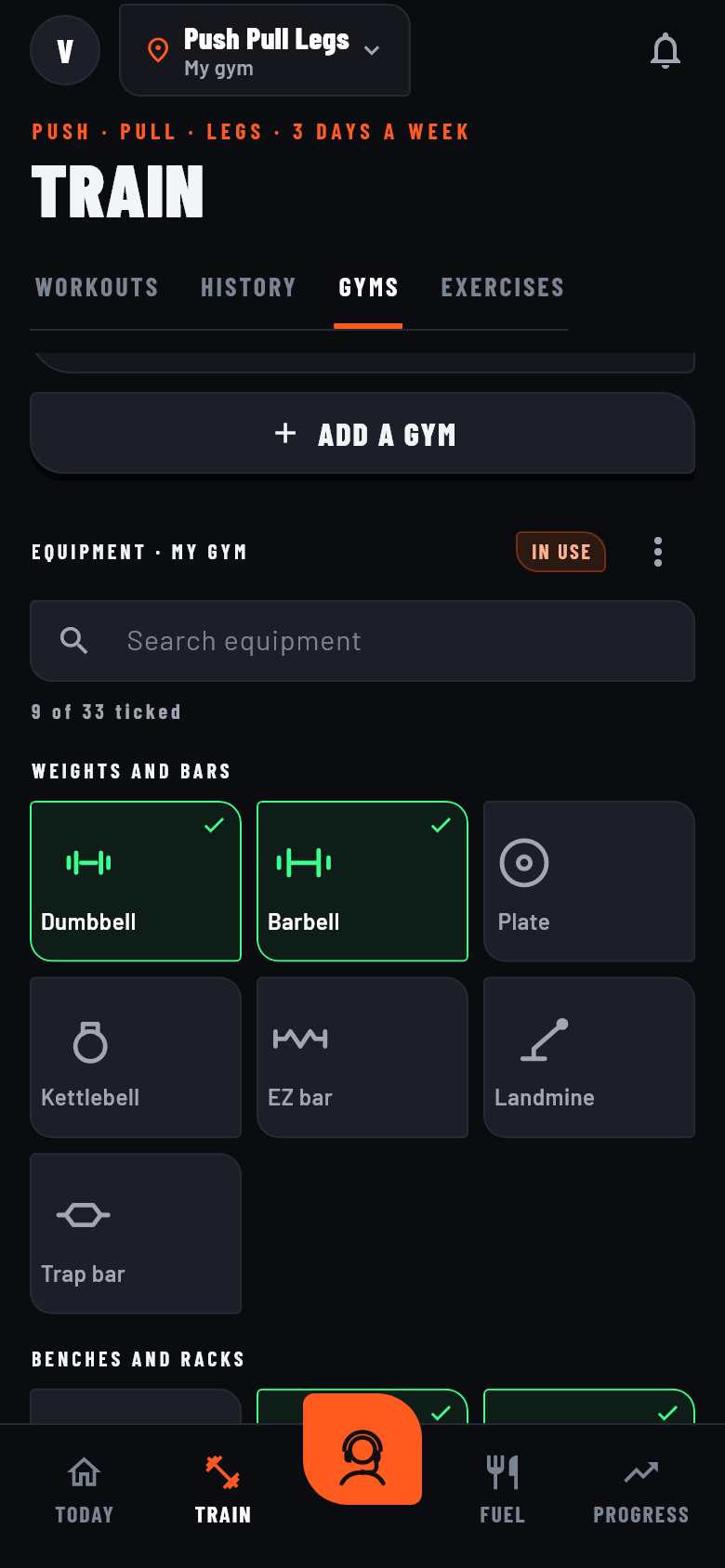
App screen with example data.
Need a different exercise? Keep going.
A machine is busy. Your plans change. You simply prefer another movement. Find an alternative and keep the session moving.
Browse suggested swaps, see the muscles and equipment for each, and choose what works for you. You can also ask the Caddy for help.
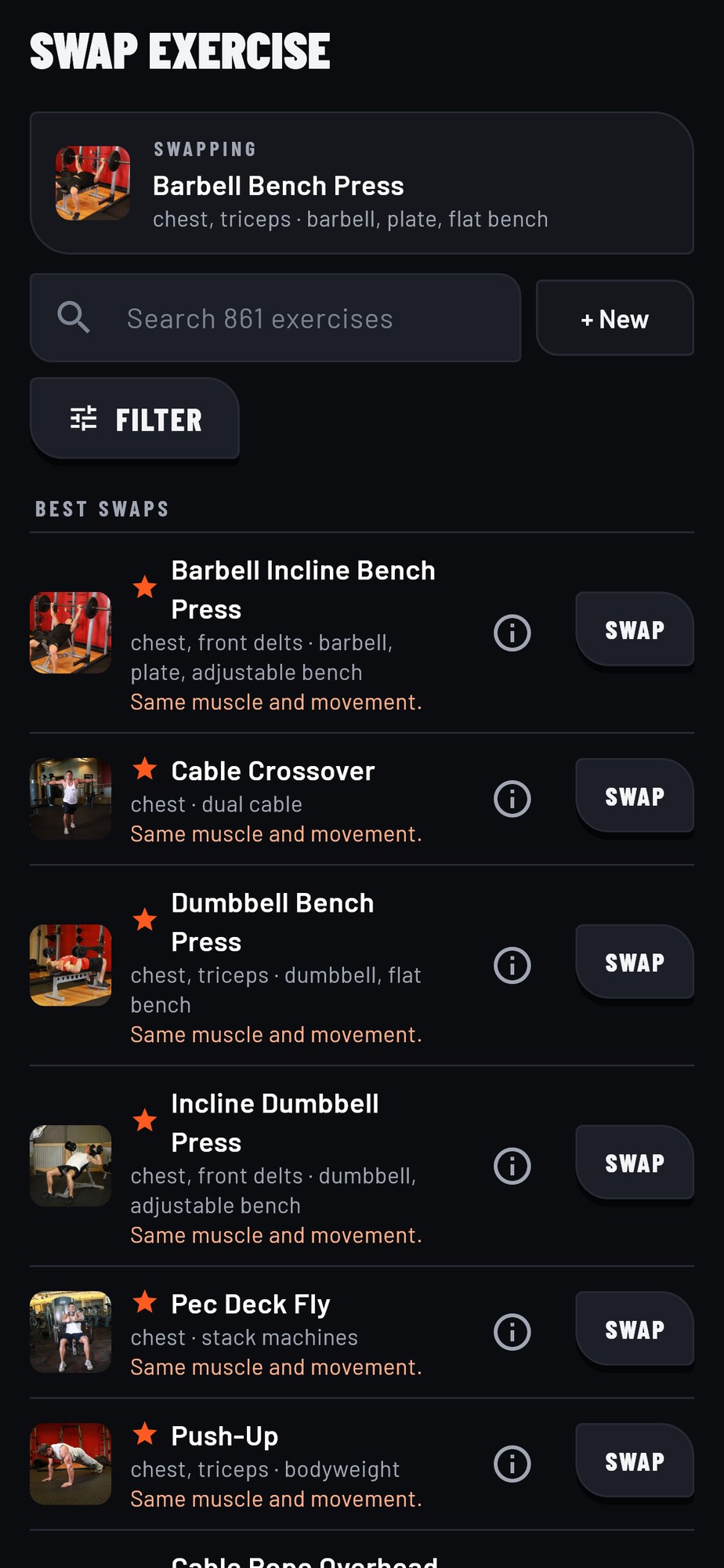
App screen with example data.
Log the set. Stay in the zone.
Tell the Caddy what you lifted or log it yourself in a tap. Your sets and rest stay in view, so you can spend less time on your phone and more time training.
With your music on and your session moving, the details are taken care of.
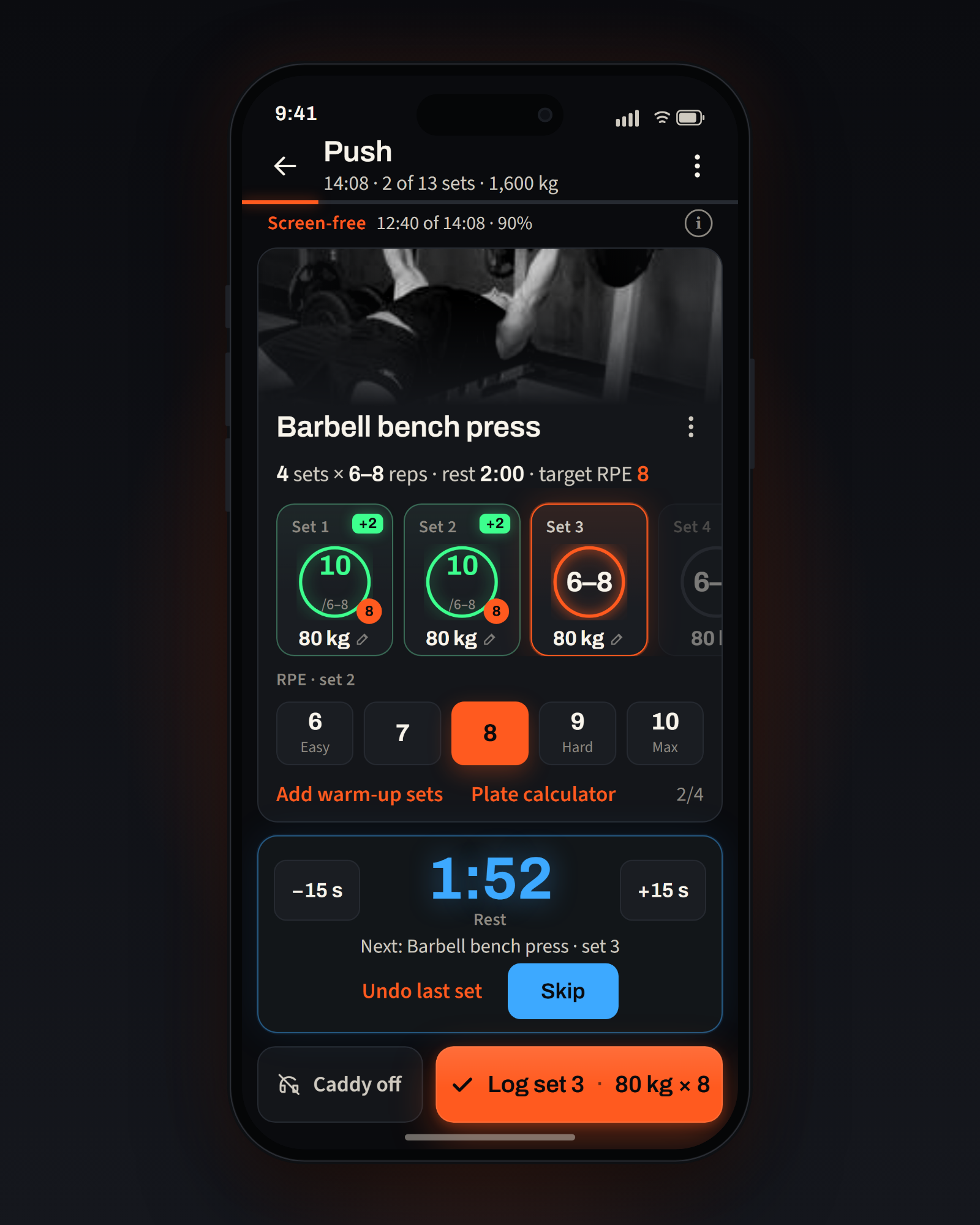
Workout screen with example data. Tap to see it larger.
See the work. Know what’s next.
When the session ends, see your sets, training volume, screen-free time and the records you earned. Every set adds to the story.
See suggested weights for your next session and choose which recommendations to use. Your training stays in your hands.
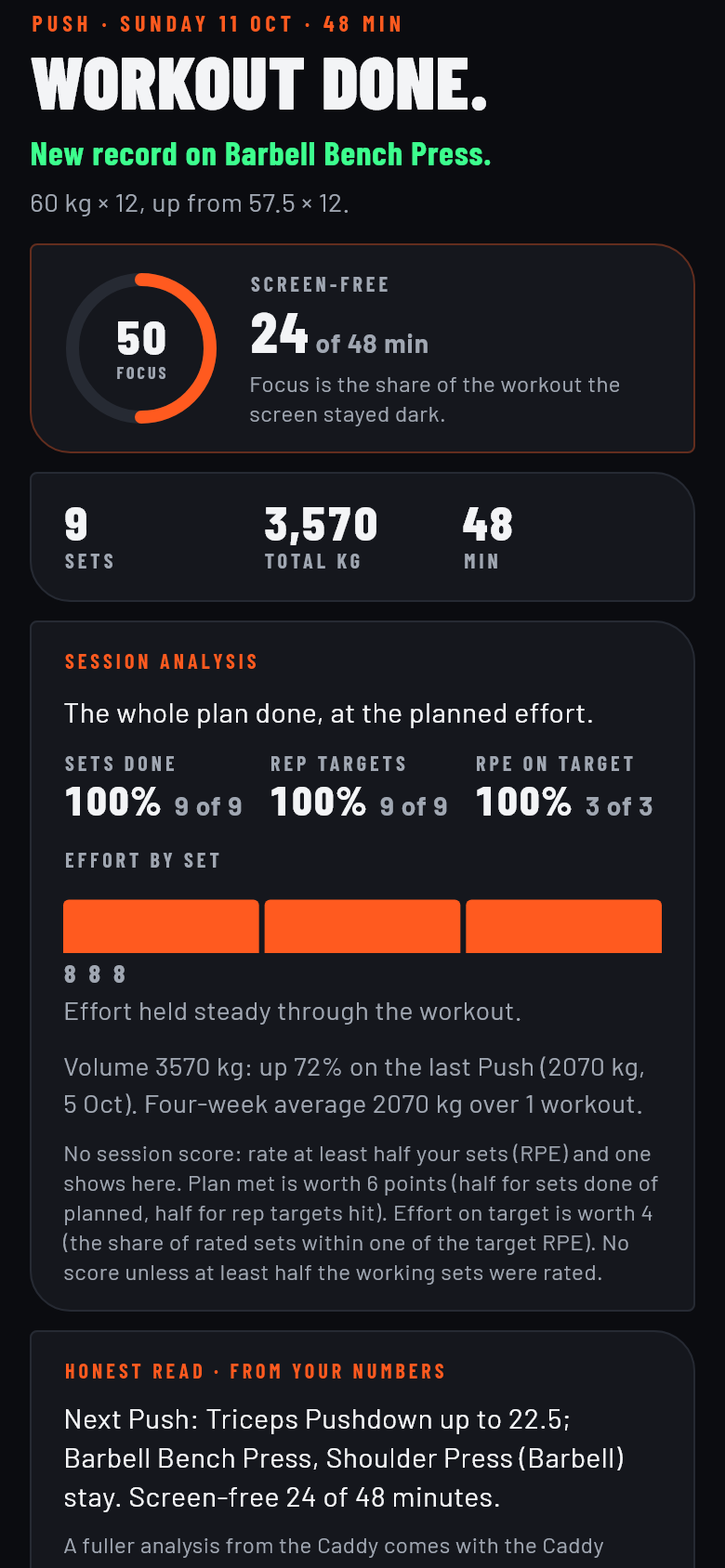
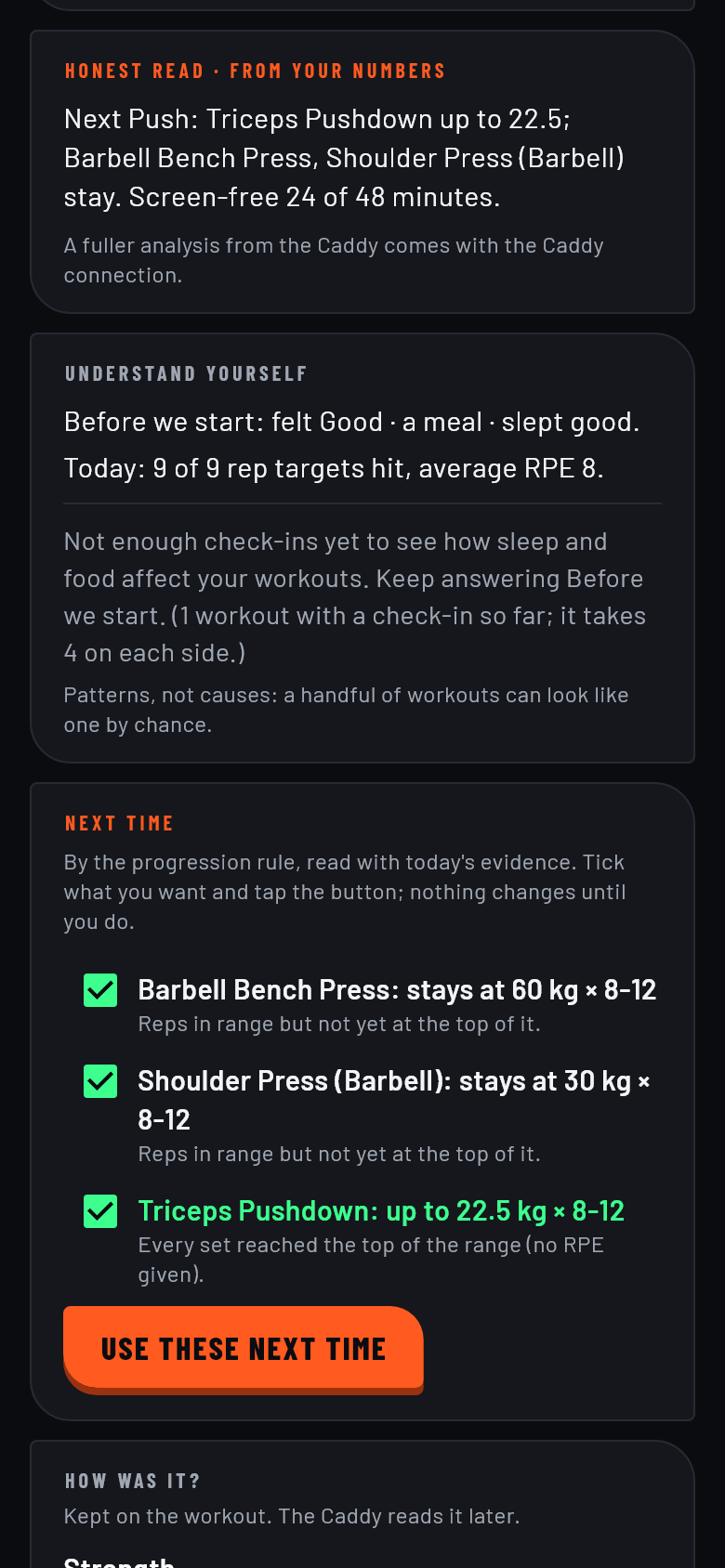
App screens with example data.
Come back ready.
Your progress is more than a single number. Look back at your training, your goals, your recovery and the things you’ve been tracking.
Rest belongs to the work. Give it the attention it deserves.
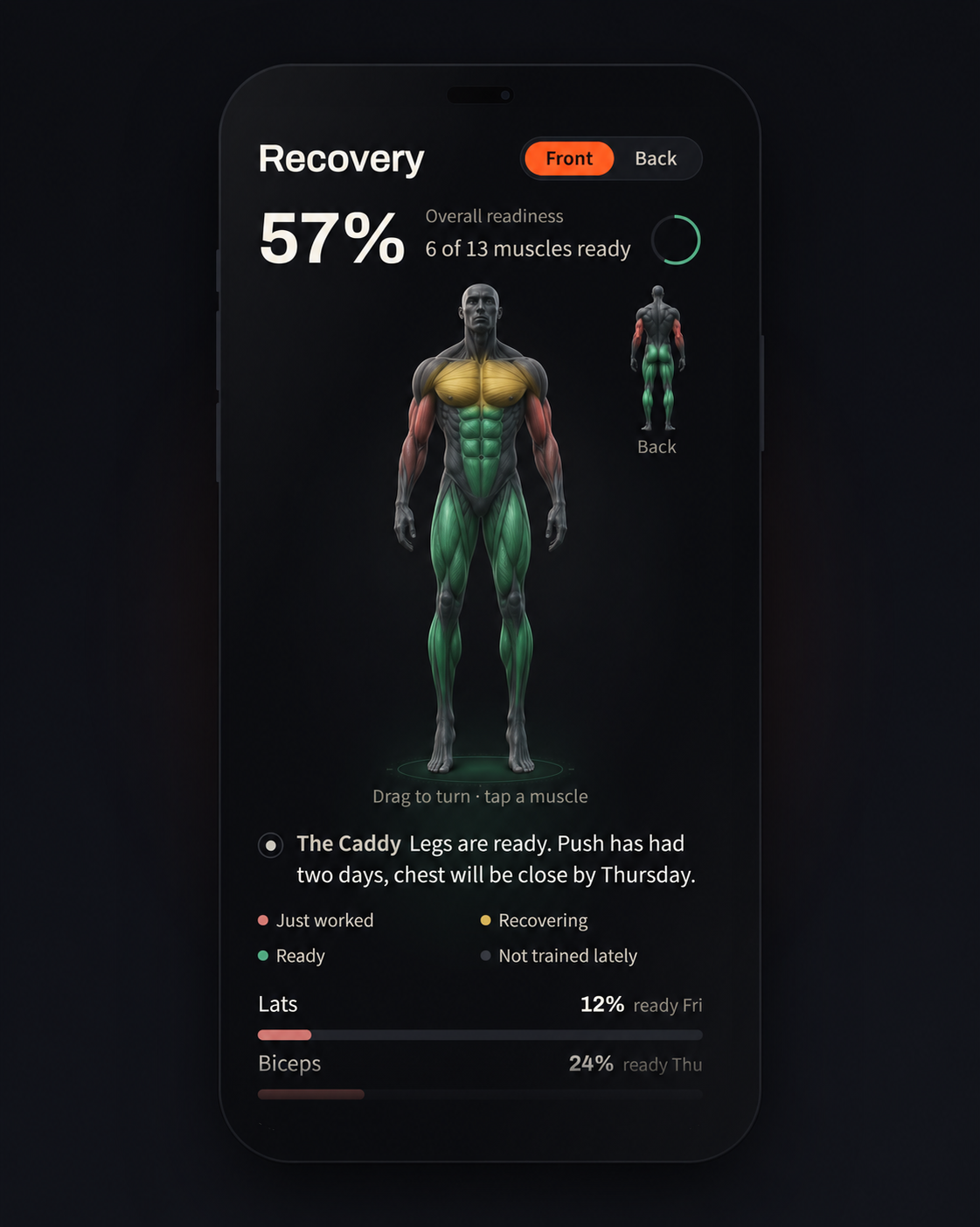
Recovery is a design concept with example data. Tap to see it larger.
Anyone can download it. Not everyone gets in.
It starts with the questionnaire. Those who get in are called Arrivals.
Have you arrived?